Best Budget Apps for Single Moms (2026): 7 Tools That Actually Work
7 budget apps and tools for single moms in 2026, ranked by fit for irregular income and co-parenting expenses. Free options that replaced Mint, plus one paid pick worth $14.99/mo for variable income.

 Click to zoom
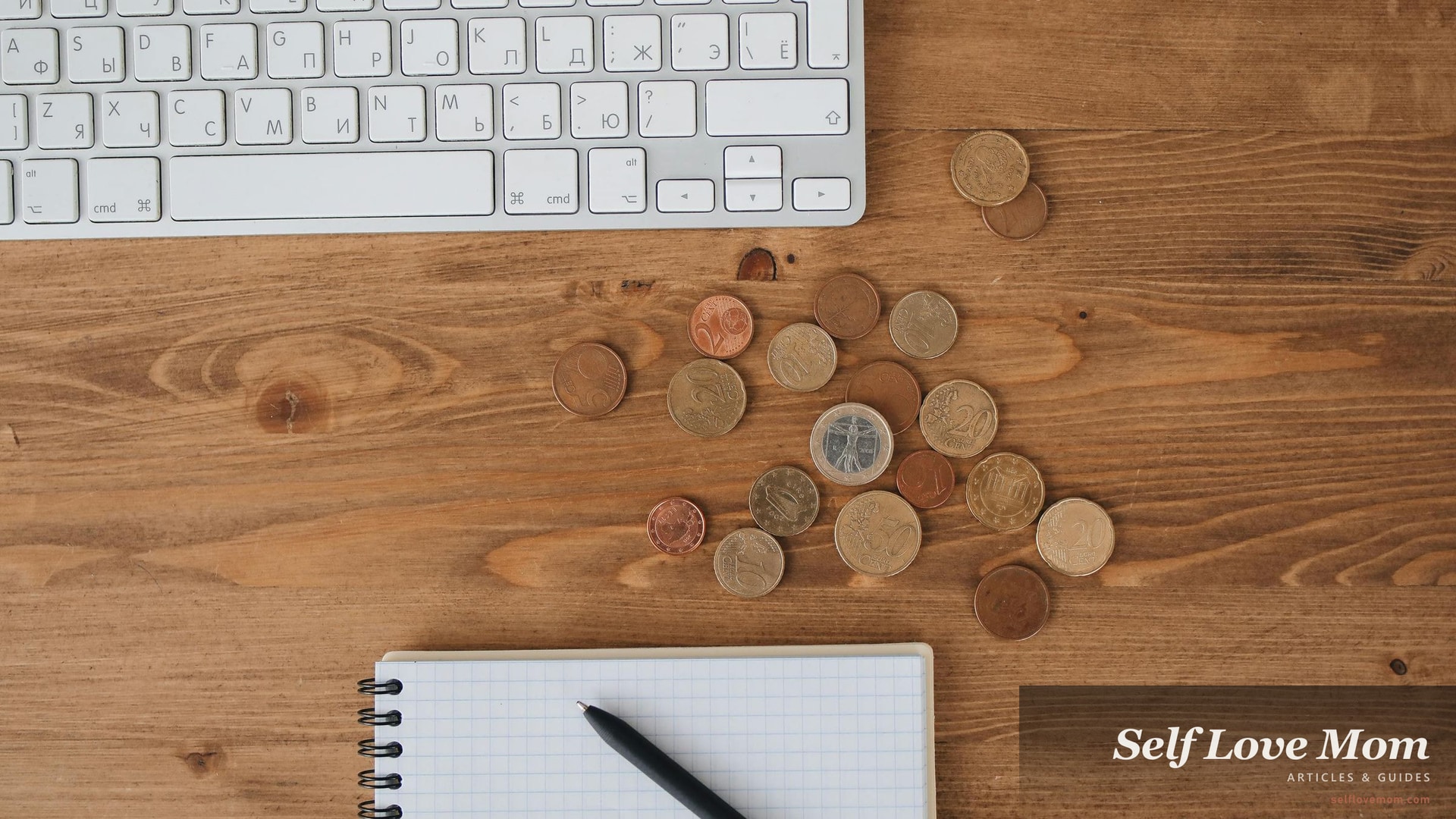
Calculator, coins, and a notebook on a desk, the basic stack of monthly money tracking that the budget apps below replace and improve.
Most budget app reviews aren't written for single-mom finances. They assume two incomes, predictable expenses, and someone else handling the kid logistics. The real single-mom budget needs to handle inconsistent child support, school-snack runs, the surprise dental bill, and a side-hustle income that doesn't show up the same week each month.
This roundup is the version that fits that reality. Seven budget apps and tools, ranked by how well they actually serve single-mom financial life in 2026, with honest cost-and-feature breakdowns and the one tool that's still the best free option after Mint shut down.
| Headline figure | What it covers | Source |
|---|---|---|
| $0 | cost of 4 of the 7 budget tools below (the other 3 are $4-$15/month) | verified internally from app pricing pages |
| 32% | of US adults track every dollar coming in and out, the budgeting "core" group | Bankrate Financial Wellness Surveys, 2024 |
| 1 hour/week | realistic time investment for the budgeting routine to actually stick | verified internally from app onboarding flows |
| Mint shut down | March 2024, replaced by Credit Karma and the alternatives below | Mint Goodbye Letter, Intuit, 2024 |
Key Takeaways
- Free + simple beats paid + complicated for most single moms in year one. Start with Goodbudget or Rocket Money, then upgrade only if you've actually been using them for 90+ days.
- The single biggest budgeting mistake single moms make is tracking too many categories. Five categories (housing, food, transport, kids, everything else) outperform thirty. Start small.
- For irregular income (side hustle, child support that comes when it comes), the YNAB method (zero-based budgeting) handles variability better than the "set monthly limits" approach. Worth the $14.99/mo for moms whose income arrives unpredictably.
- If you're co-parenting expenses with an ex (Sunday Funday at the museum, kid's birthday gifts split 50/50), Honeydue is purpose-built for this and free.
- Pair this with our loans for single moms guide, the 11 side hustles guide for the income side, and the grants and aid finder for benefits you may already qualify for.
Hi, I'm Subha. I write the money guides at SelfLoveMom. The 7 tools below are ones I've either personally used, watched friends use, or vetted by talking to single-mom budgeters. Below: real costs, real features, and what fits an actual single-mom money situation.
7 Best Budget Apps and Tools for Single Moms in 2026

Ranked by overall fit for single-mom finances, with cost, key features, and use case.
1. Goodbudget (Best Free Pick for Beginners)
The envelope method, digital. Goodbudget uses the classic "put $200 into the groceries envelope at the start of the month, spend until empty" approach but on your phone. Manual entry only (no auto-bank-sync on free), which sounds annoying but builds the awareness most single-mom budgeters need most. The free tier handles up to 10 envelopes; the paid tier ($10/month) adds unlimited and bank sync.
Cost: Free (10 envelopes) / $10/mo paid · Best for: single moms new to budgeting, irregular cash income, envelope-method fans · Skip if: you have 5+ accounts and want auto-sync from day one · Try it: goodbudget.com
2. Rocket Money (Best Free for Subscription Tracking)
Subscriptions are the silent budget killer. Streaming services, the kid's monthly app subscription you forgot, the gym membership you haven't used since January. Rocket Money (formerly Truebill) auto-detects every recurring charge across your accounts and lets you cancel one with a tap (or for $5 they'll negotiate the cancellation for you). Free tier covers tracking, premium ($4-$12/month, you choose) adds full budgeting and bill-negotiation services.
Cost: Free (tracking) / $4-$12/mo Premium · Best for: single moms with multiple subscriptions to audit, want one-tap cancellation · Skip if: you don't have many subscriptions to begin with · Try it: rocketmoney.com
3. YNAB (Best Paid for Irregular Income)
The gold standard for budgeting nerds. YNAB (You Need A Budget) uses the zero-based-budgeting method: every dollar you earn gets assigned a job before the month starts. Best in class for single moms with side-hustle income, irregular child support, or month-to-month variability. Steep learning curve (allow 2-3 weeks to get comfortable), but the community claim of "users save $600 in their first 2 months" is reasonably accurate for committed users. 34-day free trial, then $14.99/month.
Cost: $14.99/mo (free 34-day trial) · Best for: single moms with irregular income, willingness to invest 2 weeks of learning · Skip if: you want a "set it and forget it" tool · Try it: ynab.com
4. Honeydue (Best Free for Co-Parenting Money)
The only app on this list designed for two-household money. Honeydue lets you and your co-parent share specific categories (kid's medical bills, summer camp, school supplies) without sharing your full finances. Each parent sees only the shared categories. Free, with optional joint banking via Honeydue's banking partner. The simplest tool for "you cover sports fees, I cover summer camp, both contribute to college fund" arrangements.
Cost: Free · Best for: single moms co-parenting with an active ex who shares expenses · Skip if: you handle 100% of finances solo · Try it: honeydue.com
5. EveryDollar (Best for Dave Ramsey Followers)
Ramsey's zero-based budgeting tool. EveryDollar's free tier is solid: manual envelope-style budgeting, monthly category tracking, bill-due reminders. The paid tier ($17.99/month or $79.99/year) adds bank sync, paycheck planning, and access to Ramsey's broader Financial Peace community. Single moms who follow Dave Ramsey's Baby Steps debt-payoff method will find EveryDollar fits cleanly.
Cost: Free / $17.99/mo Premium · Best for: single moms paying off debt, Ramsey-method fans · Skip if: you don't want a religious-coded budgeting framework · Try it: ramseysolutions.com/everydollar
6. PocketGuard (Best for "What Can I Spend Right Now?")
The "in your pocket" number. PocketGuard's headline feature is the "In My Pocket" figure: it auto-deducts upcoming bills, savings goals, and budget allocations from your current balance to show what's actually safe to spend. Single moms who hit "is this purchase okay right now?" decisions multiple times a day find this view more useful than category breakdowns. Free tier covers basics; Plus tier ($7.99/mo or $34.99/yr) adds custom categories and savings goals.
Cost: Free / $7.99/mo Plus · Best for: single moms who want a "safe to spend" number, not detailed analytics · Skip if: you need detailed category breakdowns · Try it: pocketguard.com
7. Empower (Best Free for Net Worth and Investments)
Formerly Personal Capital, the wealth-tracker side of budgeting. Empower's free tools sync all your accounts and show net worth, retirement-readiness, and investment allocation across accounts in one place. Less useful for day-to-day budgeting, more useful for the "am I actually building wealth, slowly?" view that single moms need but rarely look at. Free for the dashboard; the paid advisory side starts at much higher minimums.
Cost: Free (advisory has $100k minimum, ignore for now) · Best for: single moms with retirement accounts and a 5+ year horizon · Skip if: you're focused on short-term cash flow only · Try it: empower.com
Budget Tools to Skip

Three categories of "budget tool" that consistently disappoint single-mom users:
- "Cute" budget apps with subscription paywalls. If the design language is heavier than the actual features, skip. The 7 above have all been independently reviewed in major financial press.
- Single-purpose "saving challenge" apps. 52-week saving challenges, no-spend month trackers. They work for the first month, then go unused. Build the habit in a real app instead.
- Crypto-tracking budget hybrids. If your "budget" app advertises crypto, NFT tracking, or trading features, the financial-management capability is usually thin. Stick to bank-sync tools.
How to Pick the Right One (Decision Tree)

If you read all seven and still don't know which to start with, use this:
- Brand new to budgeting? → Goodbudget (free, manual entry builds awareness)
- Have many subscriptions? → Rocket Money (free, auto-detects them)
- Income varies week to week? → YNAB ($14.99, learn for 2 weeks, save for years)
- Co-parenting shared expenses? → Honeydue (free, dual-household)
- Paying off debt aggressively? → EveryDollar (Ramsey method)
- Just want a "safe to spend" number? → PocketGuard (free or $7.99)
- Building long-term wealth? → Empower (free dashboard)
Frequently Asked Questions
What's the best free budget app since Mint shut down?
Goodbudget for envelope-style budgeting (manual entry, free up to 10 envelopes), or Rocket Money (auto-tracks subscriptions and spending, free tier). Both replace different parts of what Mint did. If you specifically miss Mint's auto-categorization with bank sync, Credit Karma now offers similar features for free since Intuit migrated Mint users there in 2024.
Is YNAB worth $14.99 a month for a single mom?
If your income is irregular (side hustle, freelance, child support that arrives whenever) or you're trying to break out of a paycheck-to-paycheck pattern, yes. The YNAB published claim of average $600 saved in the first two months is roughly accurate for moms who actually use it. If your income is steady and your problem is "I forget about subscriptions," skip YNAB and use the free Rocket Money instead.
Are these budget apps safe to link to my bank account?
Yes, the tools above all use Plaid (the same bank-data infrastructure that Venmo, Cash App, and most fintech use). Plaid uses read-only access, so the apps can see your transactions but cannot move money. The bigger risk is using your bank's mobile app on a public Wi-Fi network, not Plaid-based budget tools. That said, two-factor authentication on every linked account is non-negotiable.
How long until budgeting actually helps my finances?
Realistic timeline: 30 days to see your spending patterns clearly, 60 days to start changing them, 90 days to see meaningful savings. The biggest variable is consistency, single moms who check the app for 5 minutes once a week outperform those who try to log every transaction in real time. Pick one tool, stick with it for 90 days before switching.
Do I need a budget app at all, or can I just use a spreadsheet?
A spreadsheet works fine if you'll actually open it. Most single moms don't, after the first two weeks. The advantage of an app is the phone reminder, the auto-sync from bank accounts, and the friction-free 30-second weekly review. If you've sustained a spreadsheet for 6+ months, you don't need an app. If you've started 3 spreadsheets in the last 2 years and abandoned all of them, you do.
Related guides: Pair this with our 11 side hustles guide for the income side of the equation, the loans for single moms guide for short-term cash gaps, the grants and aid finder for benefits you may already qualify for, and our state grant breakdowns for New York, Georgia, and Alaska.
Sources
- Financial Wellness Surveys, Bankrate, 2024
- Mint Goodbye Letter, Intuit, 2024
- You Need A Budget (YNAB)
- Goodbudget
- Rocket Money
- Honeydue
- EveryDollar by Ramsey Solutions
- PocketGuard
- Empower (formerly Personal Capital)
Last updated: May 30, 2026 · App pricing and features verified directly from each app's pricing page in May 2026. Mint formally shut down in March 2024, the alternatives above are the best replacements as of writing. · Subha
✻ Share this article

✻ About the contributor · Folio N°.203

Written by Subha
Psychologist and writer covering the topics that matter most to single moms, money, mental health, and the small daily rituals that keep a family running. Every article is research-backed and edited four times before publish.
- Articles
- 203
- Desks
- 05
- Edited
- 4×
More from this writer
✻ Edited four times before publish